
Convert paper surveys to Excel
Bacaform reads the answers on scans and phone photos of your forms, handwriting included.
Start freeWhat the video says
Have a pile of paper forms to type into Excel?
Upload two or three filled-in examples of your form. Bacaform finds the questions, and you check them once.
Then upload scans or phone photos as the forms come in.
Bacaform reads every answer, handwriting included. Any answer it is unsure of is marked for someone in your team to check.
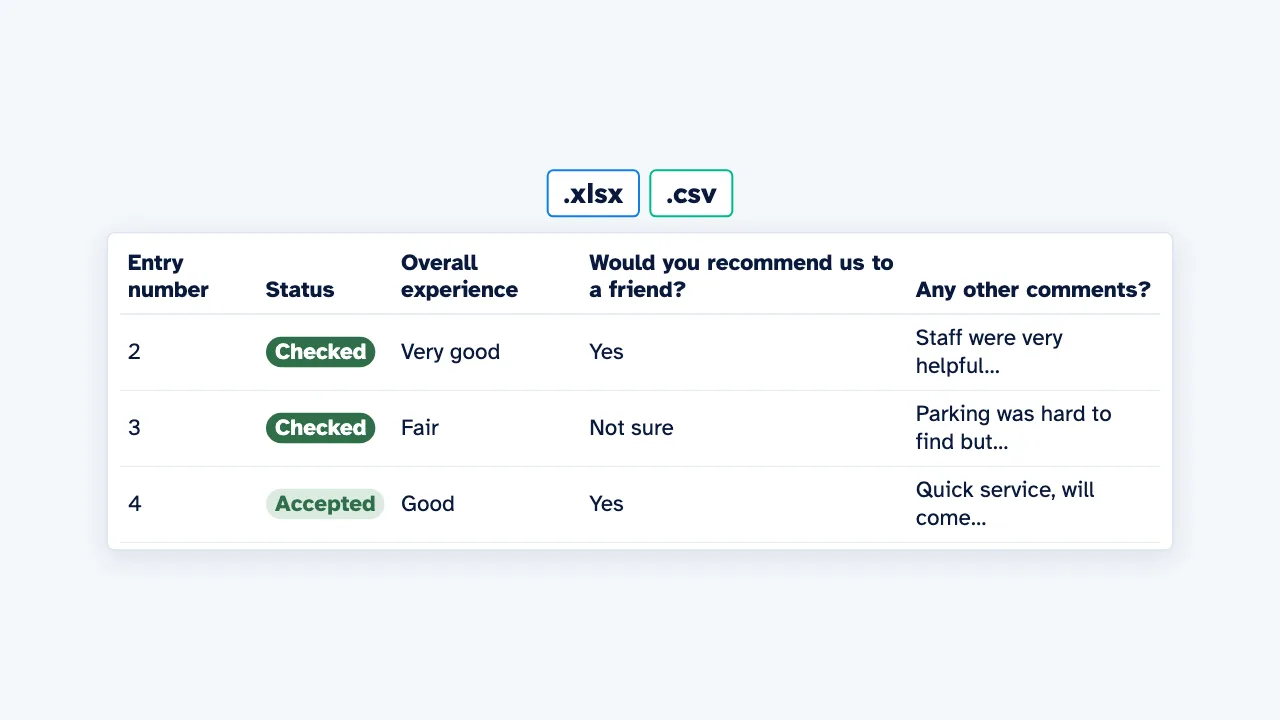
Each form becomes one row of data.
Download the data as Excel or CSV, with a guide to every column.
Try it with your own form, at bacaform.com.
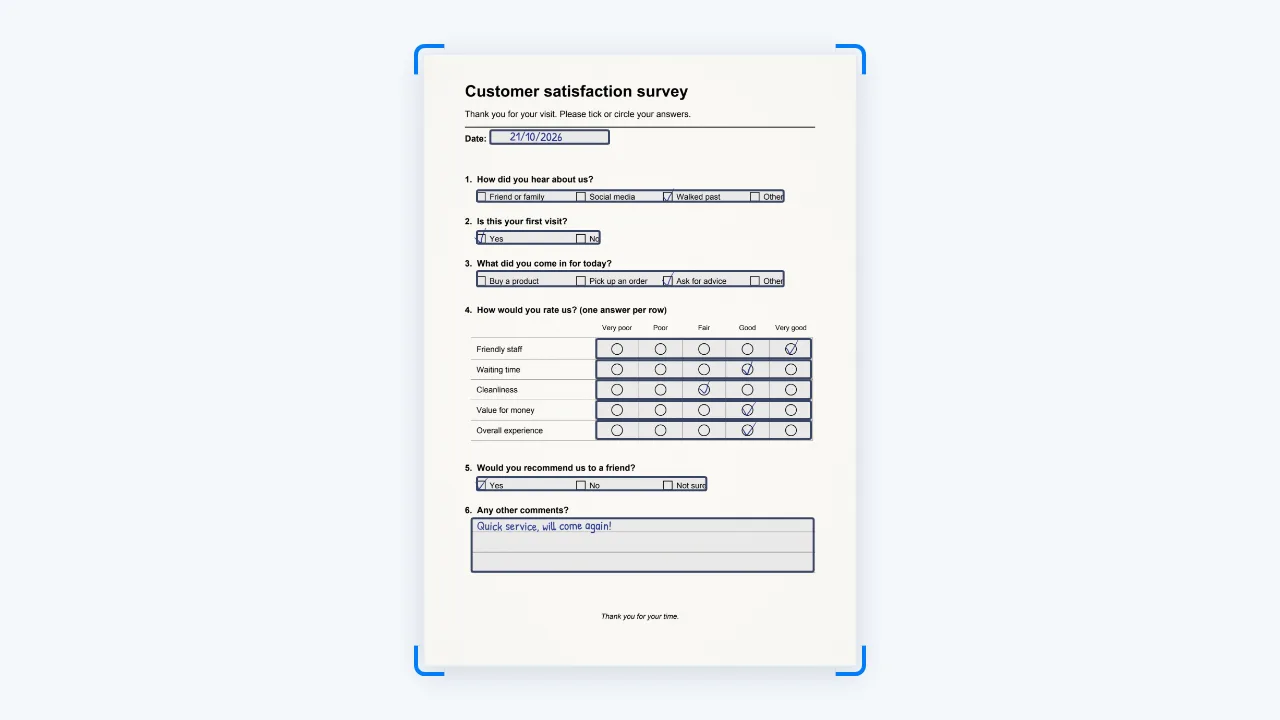
Start from the survey you already use
Upload 2 or 3 filled-in examples of your form. Bacaform finds the questions, and you check them once.
Bacaform is not made for one form. At set-up you give it your own form, on any topic.
- Customer and visitor surveys
- Feedback and evaluation forms
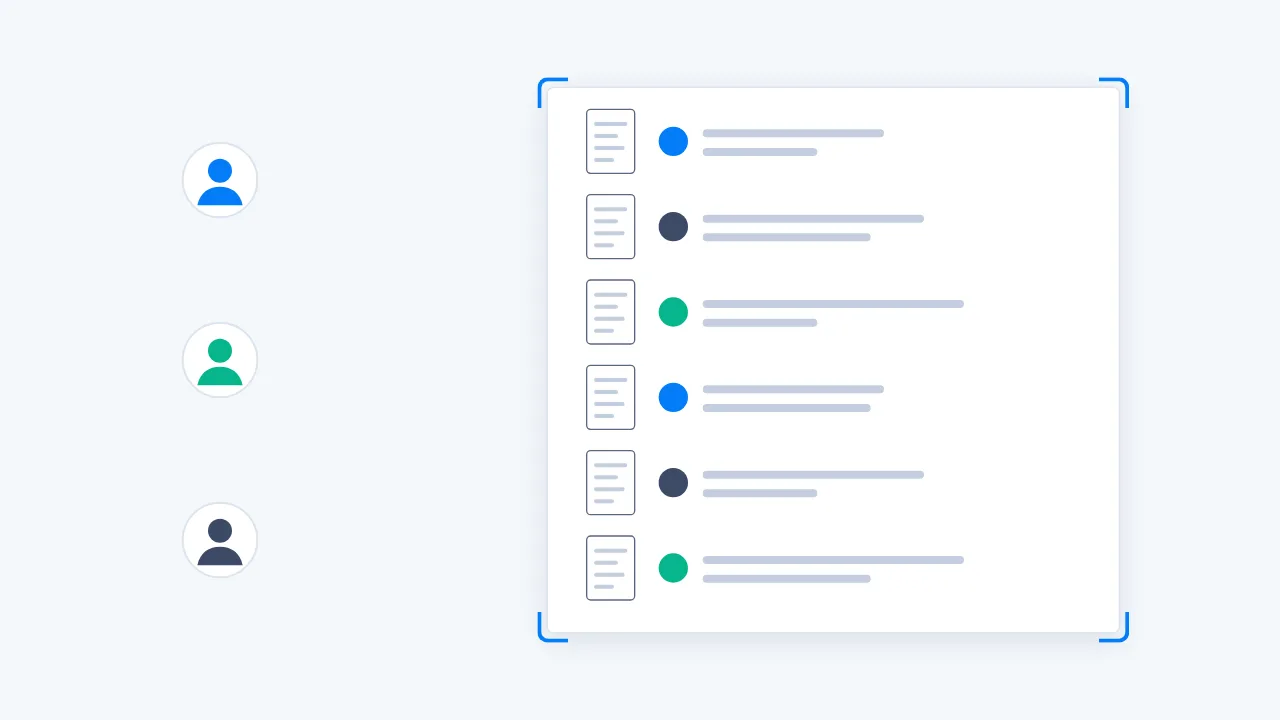
Upload the surveys as they come in
Upload scans or phone photos as the forms come in. One PDF can hold a whole pile of forms.
On a phone, you can photograph the forms straight from the upload page.
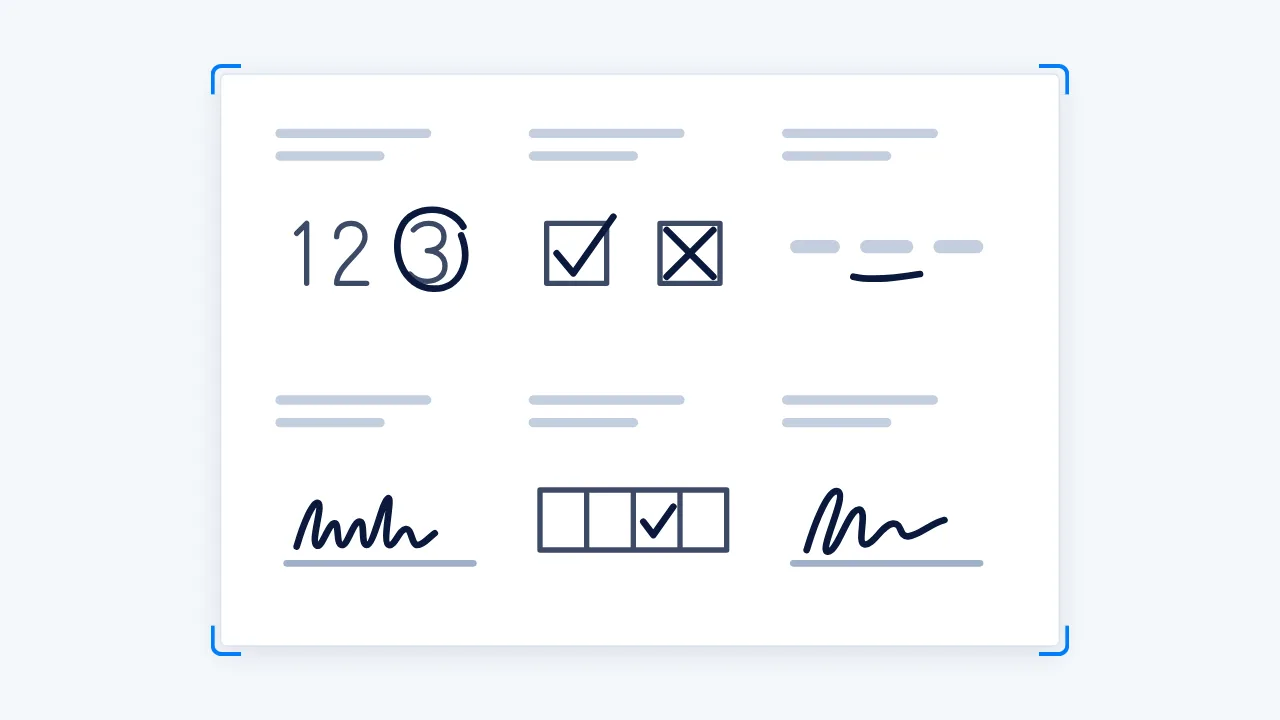
Ticks, circles, scales and written comments
- A circled number or word
- A ticked or crossed box
- An underlined choice
- Words, numbers and dates written by hand
- A mark in a table or grid
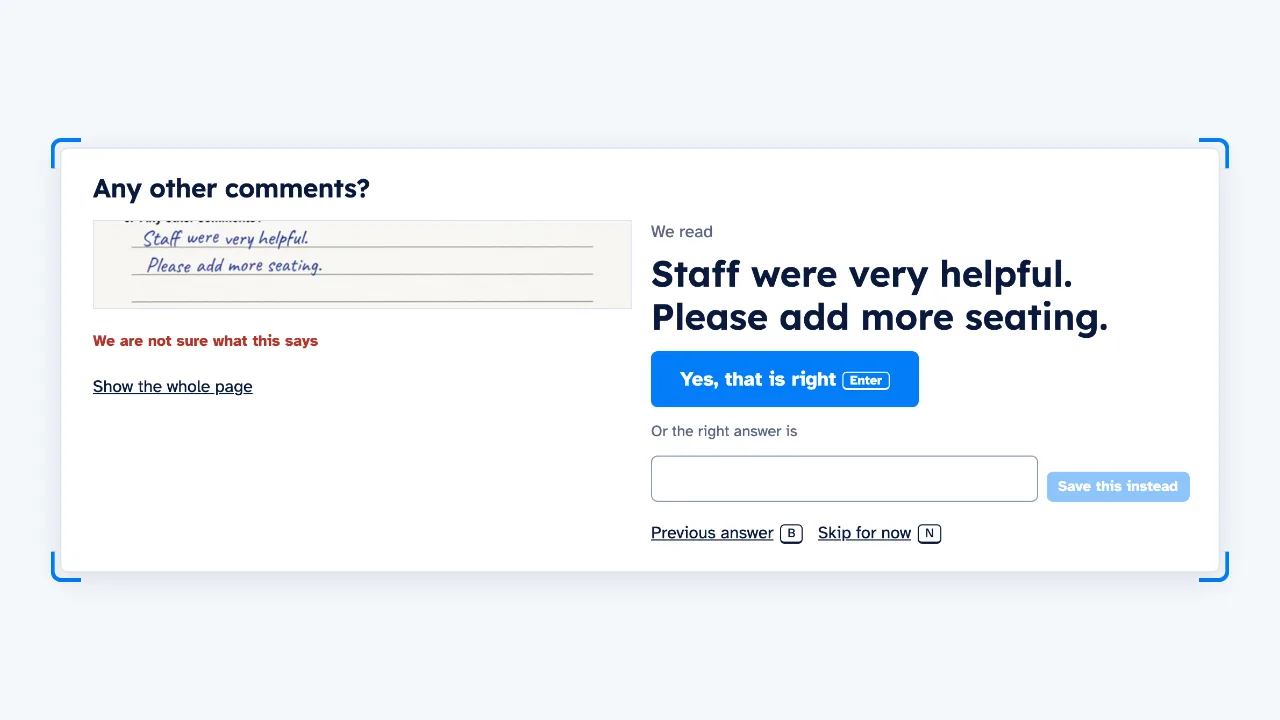
A person reviews only the unsure answers
Each unsure answer is shown next to a picture of what was written, so you can confirm it or correct it.
A few forms with no unsure answers are picked at random, and a person checks every answer on them.
Download Excel or CSV
Download the data as an Excel file or a CSV. A second sheet, Column guide, says what each column holds and what each number means.
The pages of one form stay together as one row of data, even when photos uploaded together are in the wrong order. A form with a missing page is marked.
See a chart for each question, and compare one group with another.
Questions
Can I use a survey I have already printed?
Upload 2 or 3 filled-in examples of your form. Bacaform finds the questions, and you check them once. Bacaform is not made for one form. At set-up you give it your own form, on any topic.
Can Bacaform read written comments?
Yes. It reads words, numbers and dates written by hand, as well as circles, ticks and crosses. Answers it is unsure of are marked for a person to review.
What do the columns in the download mean?
Download an Excel file or a CSV. The Excel file has two sheets: Data, with one row per form, and Column guide, which lists every column with its question, the answers it can hold (for example 1 = Yes, 0 = No) and how any total is worked out. The CSV download is a zip file holding the same two parts as two CSV files.
Can I change the survey halfway?
You can change the form while you collect. Forms already read keep the version they were read with.
How much does it cost?
A new account gets 20 free pages. After that, you buy a pack of pages; see the Pricing page. Blank pages and pages of other forms are not counted.